
THE QUICK ANSWER
If GTA 6 closes on PS5, record the exact error code and check for a game update. Sony’s CE-108255-1 page recommends updating the game; CE-108262-9 has a separate system-software and application-data troubleshooting route. A padlock, failed download or full console shutdown needs a different diagnosis. No universal GTA 6 crash fix is established here.
THE PEOPLE / SOURCE REFERENCE
Meet the protagonists.
Official GTA VI character images and optional biography context. No endings or quest outcomes are revealed.
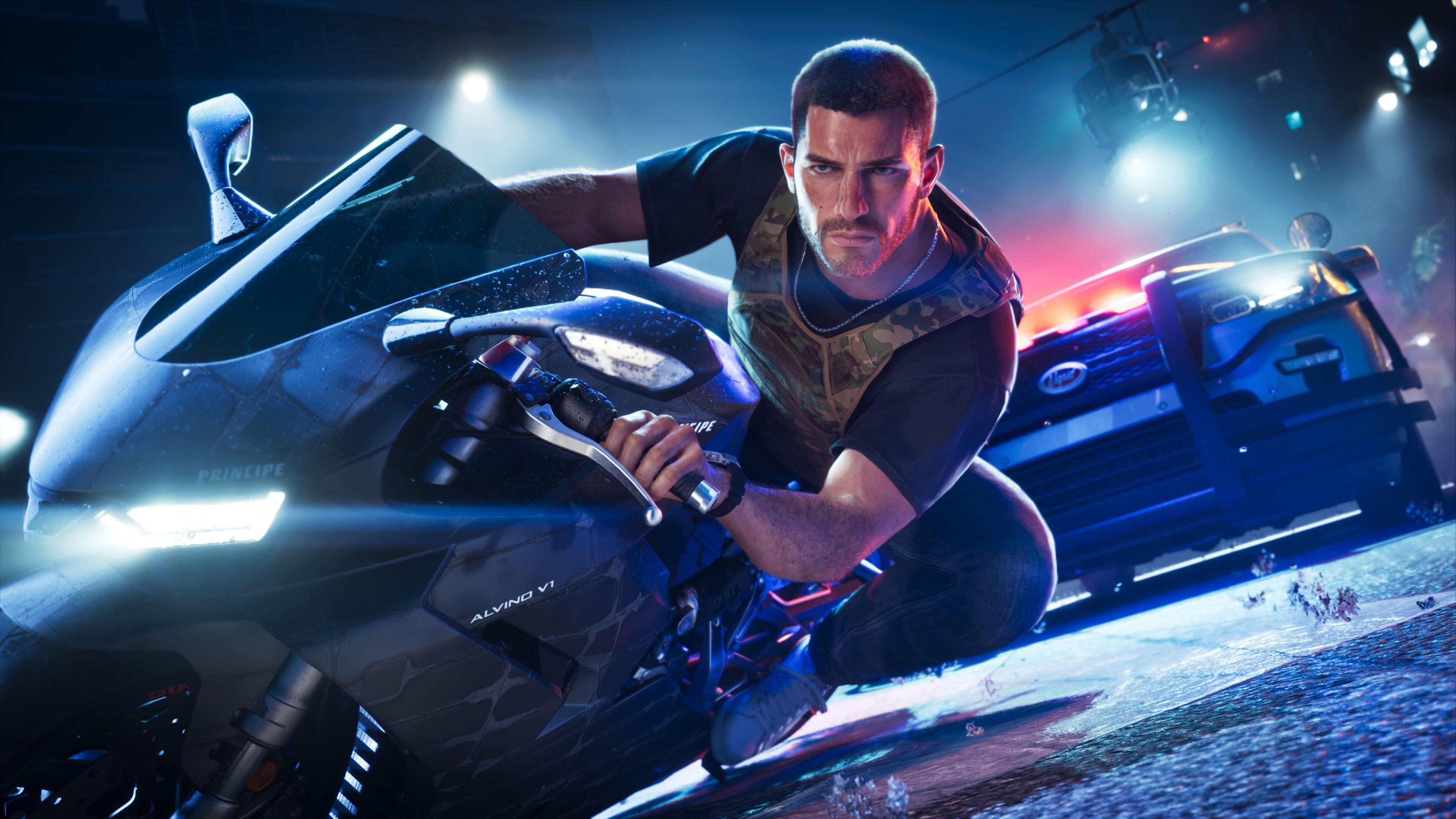
Jason Duval
Official character context; not an instruction for unlocking a vehicle or mission.
Show official biography context (minor premise spoilers)
Rockstar introduces Jason as a former soldier living in the Keys and working with local drug runners.
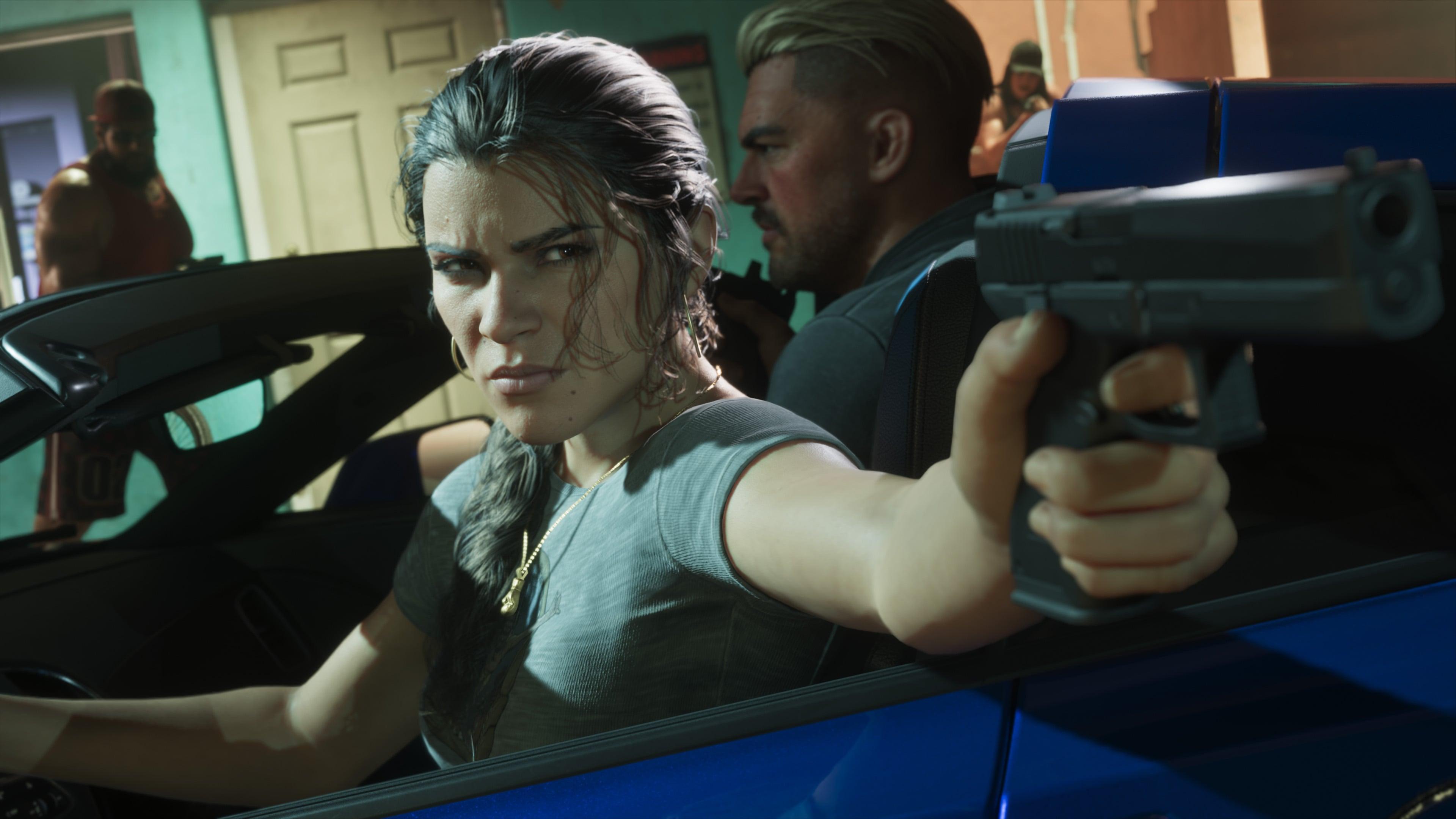
Lucia Caminos
Official character context; not evidence that every optional task is available to both protagonists.
Show official biography context (minor premise spoilers)
Rockstar introduces Lucia after her release from Leonida Penitentiary, determined to change her circumstances.
A useful crash report records the scene and active character. Neither portrait identifies the cause of a crash or proves a character-specific defect.
Images and character descriptions: Rockstar Games. Read the official character showcase. Source checked 19 November 2026.
Start here: game closes, freezes or the console turns off?
- Record the full error code, console model, installed game version and the action immediately before the failure.
- Check the game for updates. Separate an application closing from a download failure or purchase padlock.
- Use the matching official code page below. Change one thing at a time and record whether the result repeats.
- If the whole console powers off, use the console-support route; a game-specific workaround does not establish a hardware diagnosis.
CE-108255-1: game or application error
Sony’s CE-108255-1 guidance identifies a game/application error and recommends updating the game. Its next help route is PlayStation Repairs. That short official instruction does not establish a particular GTA VI mission bug or a guaranteed remedy. Include the scene and version when reporting a repeatable failure to Rockstar Support.
CE-108255-1: make a short before-and-after record
| Before checking the update | After checking the update |
|---|---|
| Installed game version and exact error | Whether a newer version was offered |
| Last action and repeatable scene | Whether the same action still closes the application |
| Application closes or whole console shuts down | The resulting symptom, without changing its description |
A successful attempt after an update is an observation, not proof that every similar crash is fixed. Keep the sequence precise and avoid combining an update with multiple unrelated changes. If the failure remains repeatable, a short description of the scene, version and error helps support more than a claim that everything is broken.
If your actual problem is a disabled partner portrait, use the character-switching guide. If purchased cosmetics have not appeared, use the Vintage Vice City Pack checks. Neither symptom alone is an application crash.
CE-108262-9: system software or application data
Sony provides a different CE-108262-9 troubleshooting page. It begins with system-software updates and has further application and Safe Mode steps. Read that page in order. Its later reset step erases console storage, so protect your data and review the prerequisites before considering it; do not jump directly to a reset based on a social-media comment.
Identify which problem you actually have
| What happens | Category to investigate | Useful evidence |
|---|---|---|
| Download fails or will not complete | Installation or download | Download message and free space |
| Padlock appears before play | Purchase or licence access | Owning account and product entry |
| Game closes during play | Application crash | Exact error, game build and scene |
| Console shuts off | Console or power-related event | Device behaviour, not just the mission name |
These categories prevent the common mistake of applying an installation recipe to every failure. An unavailable product and a repeatable crash inside the game have different evidence. Keep the terminology precise when opening a support request; a short accurate description is more useful than a list of unrelated changes made at once.
The official PS5 installation route
Rockstar Support sends PS5 installation problems to Sony’s download guide. For locked purchased content, Sony begins with the owning account and transaction, then service status and current console software. The system update location it documents is Settings > System > System Software > System Software Update and Settings. Follow the branch matching the symptom; these checks do not prove a fix for a specific GTA VI crash.
If the application closes after the game starts
- Write down any error code before dismissing the screen.
- Identify console model, installed game version and the last completed action.
- Note whether the same scene triggers the result again.
- Check issue-specific Rockstar or PlayStation guidance.
- Keep support-ticket and account details private when sharing a public report.
A community report that sounds similar can help you describe the symptom, but it cannot establish that your installation has the same cause. Our bug-report tracker deliberately separates player observations from official acknowledgement. Do not copy a PC workaround from an older GTA title into PS5 instructions simply because both games share a series name.
Avoid destructive fixes without a matching instruction
This page does not tell you to delete saves, factory-reset the console or repeatedly reinstall a large game. Those actions can remove data or consume time without answering the original question. If official support recommends a step, read its data implications and prerequisites before proceeding. Keep a record of what changed so that a subsequent success or failure can be interpreted.
What would make a fix publishable here?
We need a defined failure, the affected platform/build, the exact intervention and an observed result. Ideally the result is repeated under comparable conditions. Until then, label an attempted workaround as such. A title saying “official checks” is a promise about the source of those checks; it is not a claim that Rockstar has diagnosed every launch-day crash.
For installation planning rather than an error already occurring, use our storage checklist. For an intended restriction during car theft, see the key-cloner explainer instead of treating missing equipment as a crash.
Reader questions
What does CE-108255-1 mean when GTA 6 crashes?
Sony identifies it as a game/application error and recommends updating the game. The code alone does not identify a specific GTA VI defect.
Is reinstalling GTA 6 a guaranteed crash fix?
No. No universal remedy is established here; identify the symptom and follow matching official instructions.
Does a padlock mean the game has crashed?
No. It is an access or licence symptom, distinct from an application closing during play.
Where should I report a repeatable GTA VI problem?
Use Rockstar Support for game-specific help and the relevant PlayStation support route for console or purchase problems.
FOLLOW THE EVIDENCE
Sources & checks
- Rockstar Support — GTA VI PS5 installation helpChecked 2026-11-19
- PlayStation Support — downloaded-game troubleshootingChecked 2026-11-19
- PlayStation Support — CE-108255-1Checked 2026-11-21
- PlayStation Support — CE-108262-9Checked 2026-11-20
Source dates record our editorial check, not a gameplay test. If a detail has changed, send a correction with the page and supporting evidence.
Read our editorial policy