
THE QUICK ANSWER
Launch-day players are reporting visual and audio problems, but reports do not establish how widespread a defect is or prove a fix. The community thread includes observations of pop-in, disappearing cars and audio interruptions. This article tracks evidence quality; it is not a Rockstar-confirmed known-issues list.
THE PEOPLE / SOURCE REFERENCE
Meet the protagonists.
Official GTA VI character images and optional biography context. No endings or quest outcomes are revealed.
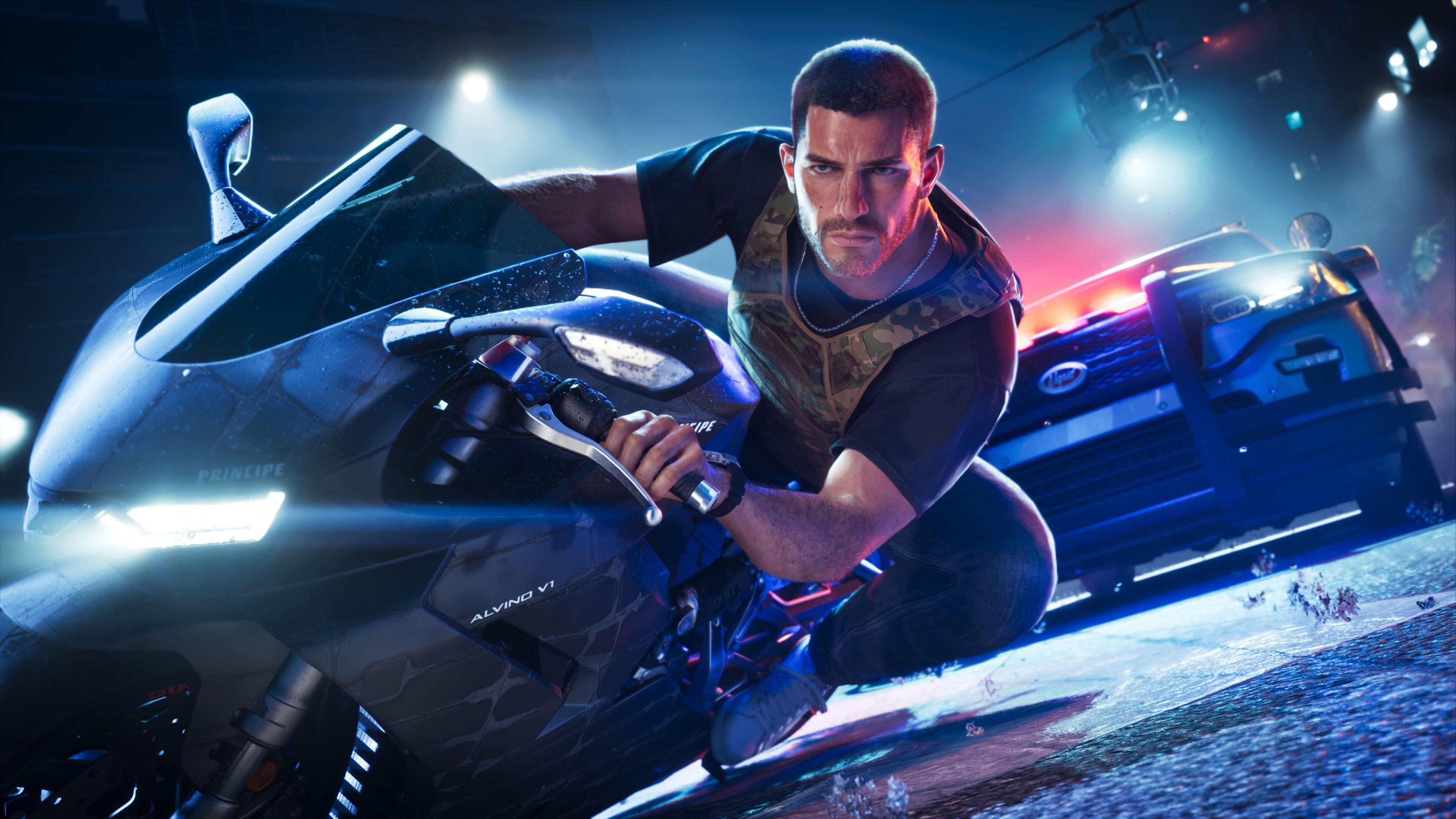
Jason Duval
Official character context; not an instruction for unlocking a vehicle or mission.
Show official biography context (minor premise spoilers)
Rockstar introduces Jason as a former soldier living in the Keys and working with local drug runners.
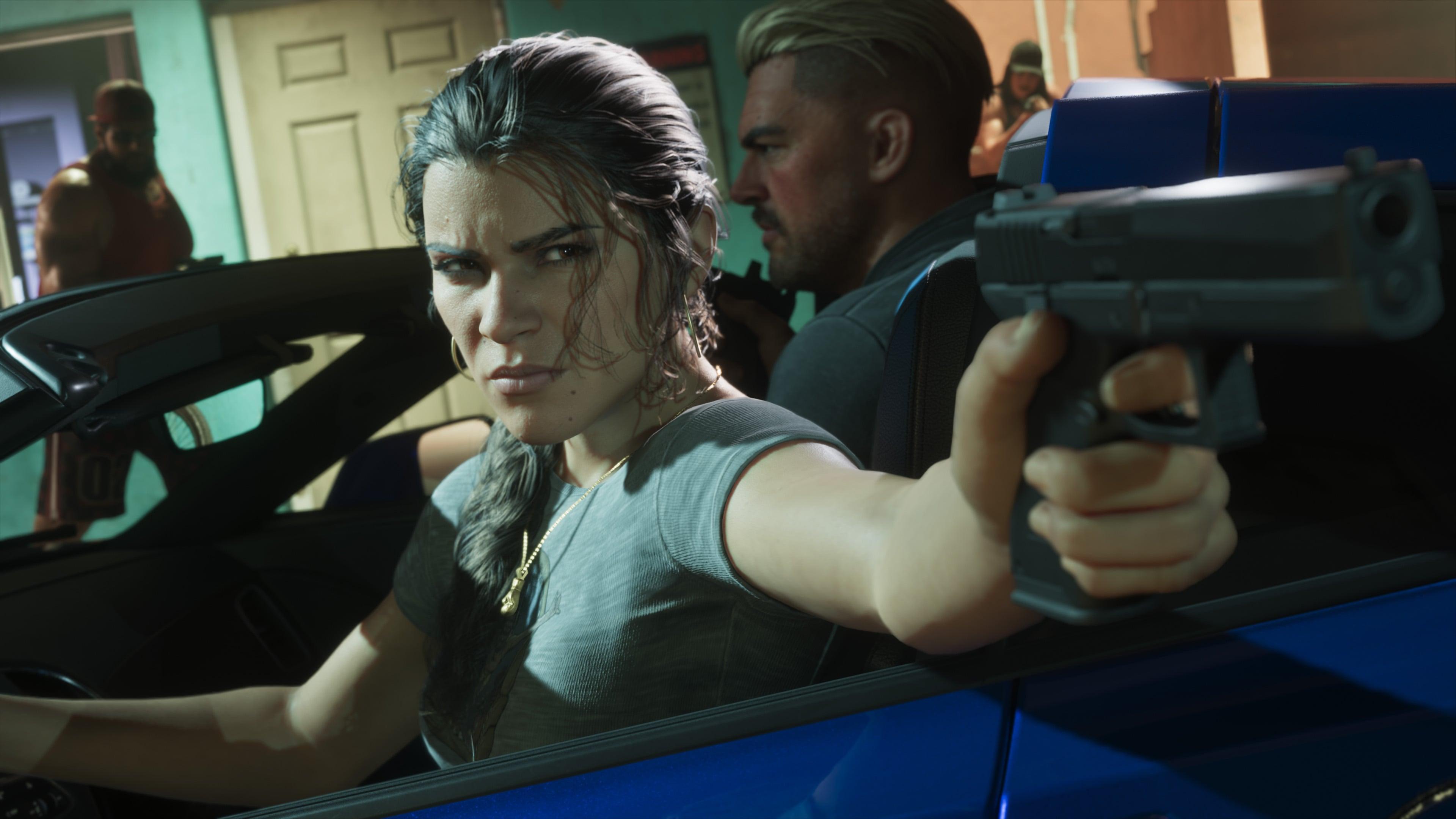
Lucia Caminos
Official character context; not evidence that every optional task is available to both protagonists.
Show official biography context (minor premise spoilers)
Rockstar introduces Lucia after her release from Leonida Penitentiary, determined to change her circumstances.
When describing an issue, record the active protagonist if relevant. These portraits illustrate identity, not a reproduced bug or an affected-character list.
Images and character descriptions: Rockstar Games. Read the official character showcase. Source checked 19 November 2026.
What players are reporting on 19 November
| Reported symptom | Evidence available | Status in this review |
|---|---|---|
| Visible scenery or traffic pop-in | Comments in the launch-day community thread | Player-reported; not reproduced by us |
| Vehicles disappearing | Player observations in the same thread | Cause and frequency unverified |
| Interrupted audio | Reports with different console/headset setups | Not established as one shared fault |
The original community discussion is useful because readers can inspect the reports in context. A report is a starting point, not a diagnosis. Different platform, audio-device and game-version combinations can produce similar descriptions. We have not turned a handful of comments into a percentage of affected players, and this page does not claim that every console has these problems.
Separate the symptom from the cause
A frozen character, a closed application and a console that powers off are materially different outcomes. So are a download that never completes and a game that installs but closes during play. Preserve that distinction when comparing another player’s clip with your own session. A video can establish what was visible; it rarely identifies the underlying cause by itself.
Build a report that somebody else can investigate
- Record console model and the installed game version.
- Describe the exact point where the issue starts.
- Copy any error code exactly, including punctuation.
- Note whether it happens again under the same conditions.
- Keep a short spoiler-labelled recording if capture is available.
- Describe attempted changes and the result, without sharing account details.
For example, “sound cuts out after connecting this headset” is a more useful report than “audio is broken.” The first gives another person a condition to investigate. Do not erase that condition when shortening a report for a headline or community post.
Official help is narrower than a universal fix
Rockstar’s PS5 installation article directs readers to PlayStation’s download troubleshooting. It does not certify each gameplay issue listed above. Our PS5 support guide separates those installation checks from a crash during play. An official support link is not evidence that reinstalling solves a specific mission bug.
Patch claims and workaround labels
Only mark an issue officially acknowledged or resolved when the linked first-party notice actually identifies it. A player saying that restarting helped once can be recorded as an anecdote, not a confirmed remedy. Keep the old observation and the new result separate so that a later change does not silently rewrite what was known on launch day. We make no promise that a future patch will resolve every report.
This tracker is deliberately narrower than an “all bugs” list. Its value is showing what the evidence supports and what remains uncertain. Send corrections through contact with the source and relevant version; do not send passwords or private support-ticket information.
Reader questions
Are these officially confirmed GTA 6 bugs?
No. The symptoms in the table are community reports, clearly separated from official support instructions.
Does this page contain tested fixes?
No. It provides evidence checks and links to official help, not our own reproduced fixes.
Should I delete saves to fix a glitch?
This article does not recommend deleting save data. Obtain issue-specific official guidance before taking destructive steps.
FOLLOW THE EVIDENCE
Sources & checks
- r/GTA6 — original launch-day bug reportsChecked 2026-11-19
- Rockstar Support — PS5 installation helpChecked 2026-11-19
Source dates record our editorial check, not a gameplay test. If a detail has changed, send a correction with the page and supporting evidence.
Read our editorial policy